

Testing your webhook endpoint: a checklist before going live
A webhook that works once is not enough. Use this checklist to make sure your server receives, verifies and processes every PAYWISE webhook, including retries and failures.
Published 10 October 2026 2 min read

Your webhook endpoint is where an unpaid order becomes a paid one. If it fails, customers pay and nothing happens. Before you switch to live, go through this checklist in the sandbox, where you choose how each payment ends.
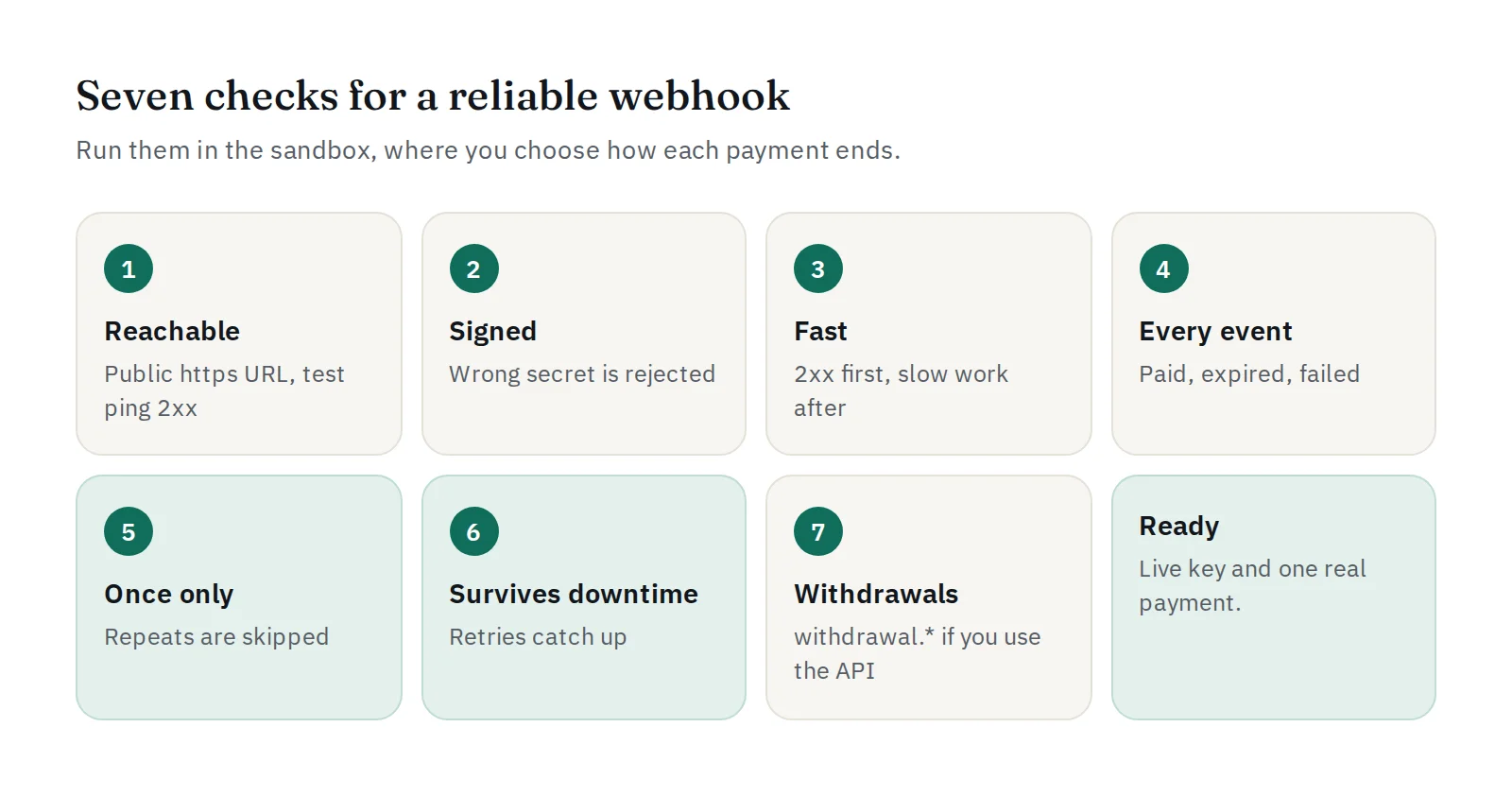
1. It can be reached
- The URL is public and starts with
https://, with a valid certificate. - Press Send test webhook on the Websites & webhook page. The test sends a signed
webhook.testevent; no real transaction is created. - Open Delivery history and check that the response is HTTP 2xx.
- If your firewall only accepts known addresses, allow the webhook sender IPs listed on the same page.
2. It checks the signature
- Compute HMAC-SHA256 of the raw body with your signing secret and compare it with the
X-PAYWISE-Signatureheader. - Change one character of the secret on purpose and send a test: your server must now reject it.
- Use the signature tool in the docs to compare your result with the expected one.
3. It answers quickly
Return 2xx first, then send emails or update stock. A slow or failing answer is treated as a failed delivery and retried later.
4. It handles every event
Create sandbox payments and end them in each way:
| Event | What your shop should do |
|---|---|
payment.paid |
Mark the order paid and fulfil it |
payment.expired |
Keep the order unpaid and let the customer try again |
payment.failed |
Keep the order unpaid and show another way to pay |
Every webhook has event and data.reference. Ignore events you do not use, but still answer 2xx.
5. It handles each event once
Retries can deliver the same event again. Store the payment reference and the event you processed, and skip repeats. Press Retry now on a delivered event to test this: the order must not be fulfilled twice.
6. It copes with your own downtime
Stop your endpoint for a few minutes, end a sandbox payment as paid, then start it again. PAYWISE retries after about 1 minute, 5 minutes, 30 minutes and 2 hours, so the order should still become paid.
7. Withdrawal events (if you use the API)
If your system requests withdrawals through the API, also handle the withdrawal.* events, so your records know when a withdrawal is completed or failed.
Done?
Switch to Live, create a live key, and make one small real payment yourself. If anything does not work, check our 10 common integration mistakes or contact us on Telegram at @paywise_asia.


