

How risk signals help you spot payment problems early
A drop in success rate, a wave of expired payments or a failing webhook all mean money is being lost. Here is where PAYWISE shows these signals and what to do about each.
Published 04 October 2026 3 min read

Most payment problems do not announce themselves. Customers simply stop finishing their payments, or orders stay unpaid in your shop although the money arrived. The earlier you notice, the less it costs. Risk signals are early warnings: they do not fix anything on their own, but they tell you where to look.
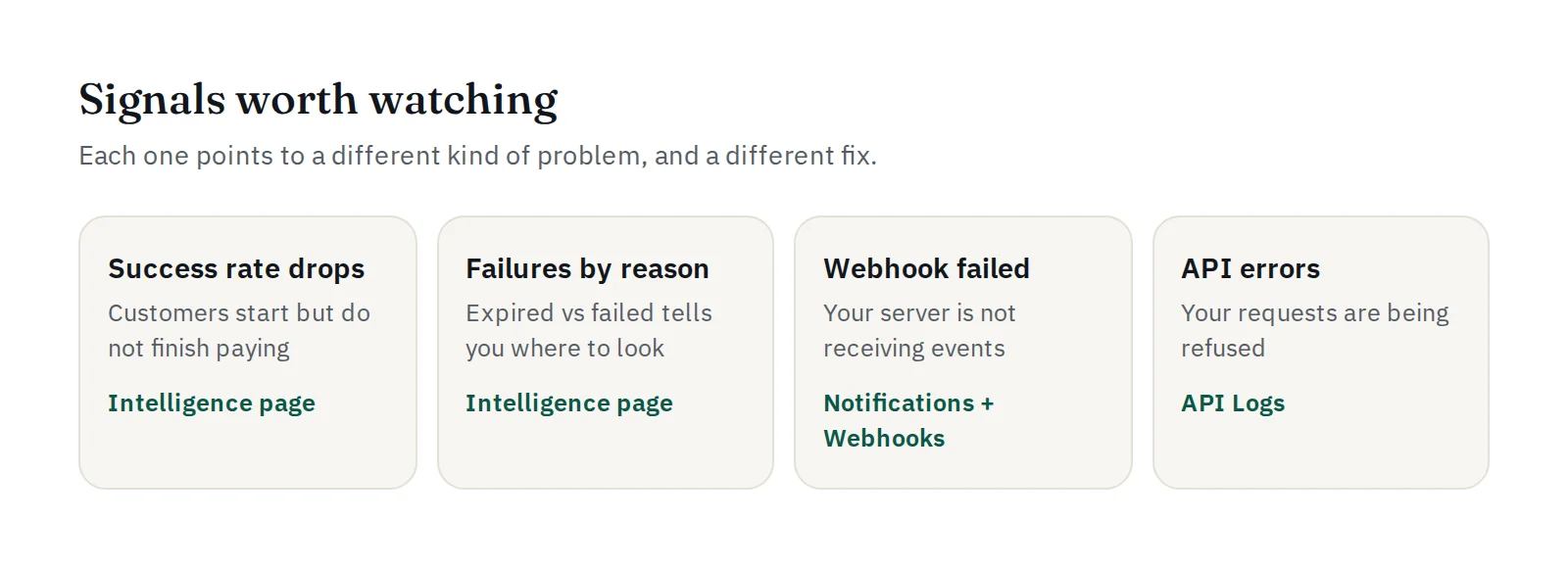
Signal 1: The success rate drops
The Intelligence page in your dashboard shows your success rate for the last 14 days. A sudden dip usually has a simple cause: a checkout page that broke after an update, a QR code that expires too quickly for your customers, or a payment method that is temporarily unavailable.
What to do: check what changed on your side on the day the dip started, and look at the failure breakdown below.
Signal 2: The reasons for failure change
The same page splits unsuccessful payments into expired and failed.
- Many expired payments mean customers saw the QR code or the USDT address but did not pay in time. Consider a longer
expires_infor QRIS, clearer payment instructions, or the PAYWISE payment page, which shows a countdown. - Many failed payments point to a technical problem. Check your API Logs for 5xx responses and the status page.
The Intelligence page also shows payments by hour of day and the performance of each method, which helps you see whether a problem is general or limited to one method.
Signal 3: A webhook failed
If your server does not accept a webhook, PAYWISE retries it automatically, and you receive a Webhook failed notification. Take it seriously: while webhooks fail, paid orders may not be marked as paid in your system, and customers wait for goods they already paid for.
What to do: open Webhooks, look at the response your server returned, fix it, then resend the failed deliveries.
Signal 4: Your API requests are refused
Errors in your API Logs mean payments are not even being created. A burst of 401 errors often means a key was revoked or replaced; 403 IP_NOT_ALLOWED means a request came from an IP address that is not on the key's list; 429 means you are sending too many requests. See How to read your API logs.
Signal 5: A key is used unexpectedly
PAYWISE notifies you the first time a key is used, and when it is used again after a day of inactivity. If you did not expect it, revoke the key on the API Keys page and create a new one.
What PAYWISE watches on its side
Our team also monitors failure-rate spikes, webhook delivery problems and transactions that stay pending for too long across the platform, so problems on the provider side are noticed quickly.
Make it a habit
Check the Intelligence page once a week, keep the Webhook failed notification turned on, and read the daily summary email. Five minutes a week is usually enough to catch a problem before your customers report it.


