

How to keep your PAYWISE account secure
Email codes, trusted devices, security alerts, API key IP limits and team roles: what protects your account and your funds, and what you can do in five minutes.
Published 05 October 2026 3 min read

Your PAYWISE account controls real money: payments, withdrawals and the API keys your website uses. PAYWISE protects it in several layers, and a few settings on your side make it even stronger.
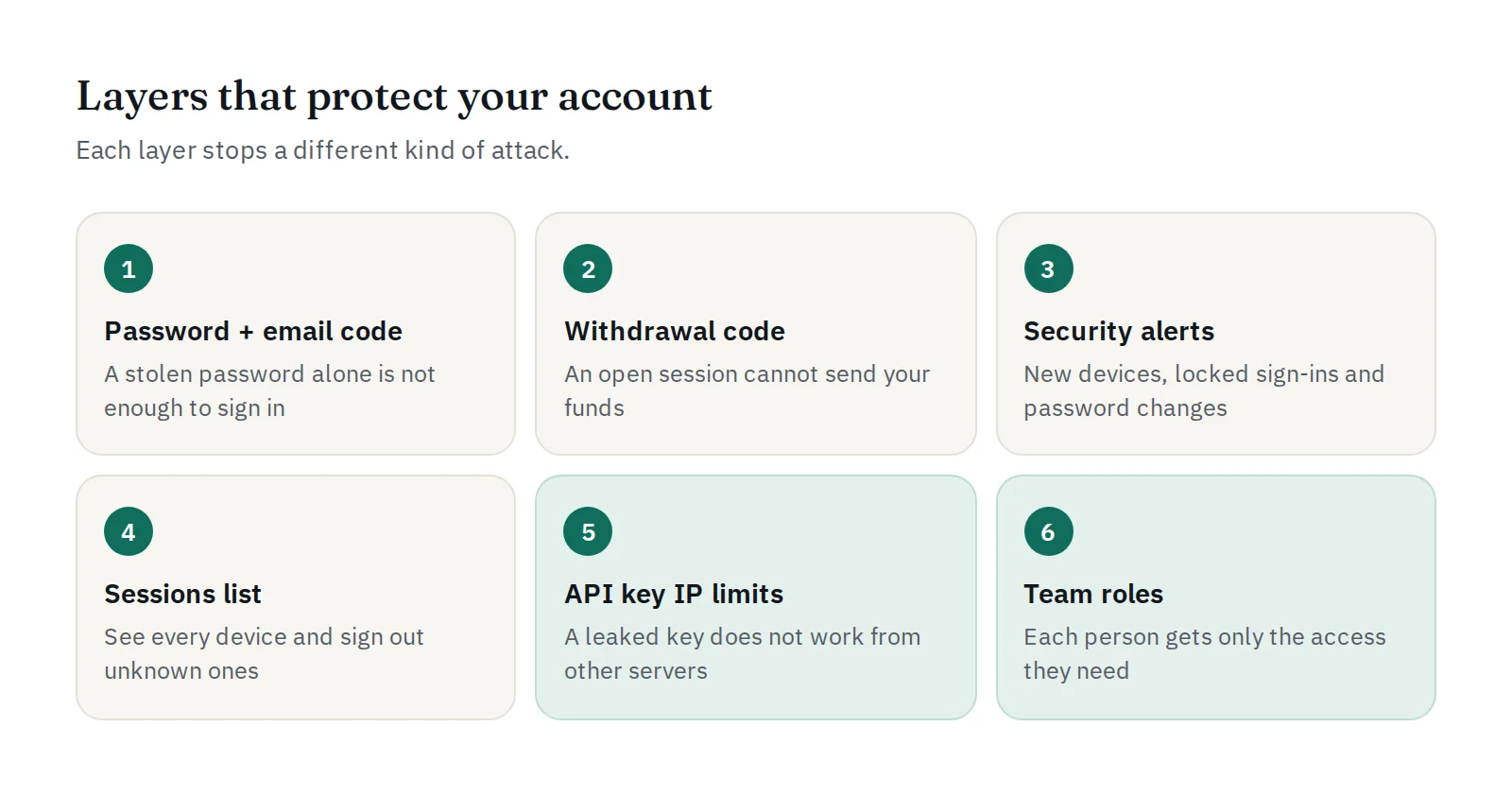
1. A code by email at every sign-in
After your password, PAYWISE sends a 6-digit code to your email. It is valid for 10 minutes and allows only a few attempts. Even if someone learns your password, they cannot sign in without access to your email.
On your own computer or phone you can tick Trust this device for 30 days. Changing your password removes every trusted device at once.
Your part: protect your email account too, with a strong password and two-step verification. Never share a code: PAYWISE staff will never ask you for one.
2. A separate code for every withdrawal
Each withdrawal needs its own email code, even when you are already signed in. Someone who gets into an open session still cannot send your funds anywhere.
3. Alerts when something unusual happens
PAYWISE emails you when:
- your account is used from a new browser or device,
- sign-in is locked after too many wrong passwords,
- your password is changed,
- an API key is used from an IP address that is not allowed.
If you did not do it, change your password right away, then sign out all other sessions.
4. See and end your sessions
In Settings, the Signed-in sessions list shows every browser and device signed in to your account. Sign out any you don't recognise, or use Sign out all other sessions. You can also Remove all trusted devices.
5. Limit where your API keys work
An API key is shown only once, when you create it, and is stored hashed. Keep it on your server only: never in website code, apps or chat messages.
On API Keys, use Edit IPs to allow only your server's IP addresses. A key used from anywhere else is refused, and you are alerted. If a key may have leaked, Rotate it: the old key stops working immediately.
6. Give each person only what they need
Invite your staff on Team instead of sharing your own login, and pick a role for each person:
| Role | Can do |
|---|---|
| Finance | Withdrawals and reports |
| Developer | API keys, webhooks and API logs |
| Viewer | Look only |
Everyone signs in with their own email and code, and you can remove a person at any time.
A five-minute checklist
- Strong, unique password, and two-step verification on your email
- Trust only your own devices
- IP limits on every live API key
- Your own account for each staff member, with the smallest role
- Verify webhook signatures on your server: see Verifying PAYWISE webhook signatures


