

How to get fast help from PAYWISE support
Telegram or a support ticket? What to include, what never to send, and how to get an answer to an integration or payment question on the first reply.
Published 10 October 2026 2 min read

Most questions can be answered in one reply, as long as we have the right details. This guide explains which channel to use and what to include, so you spend less time waiting and more time selling.
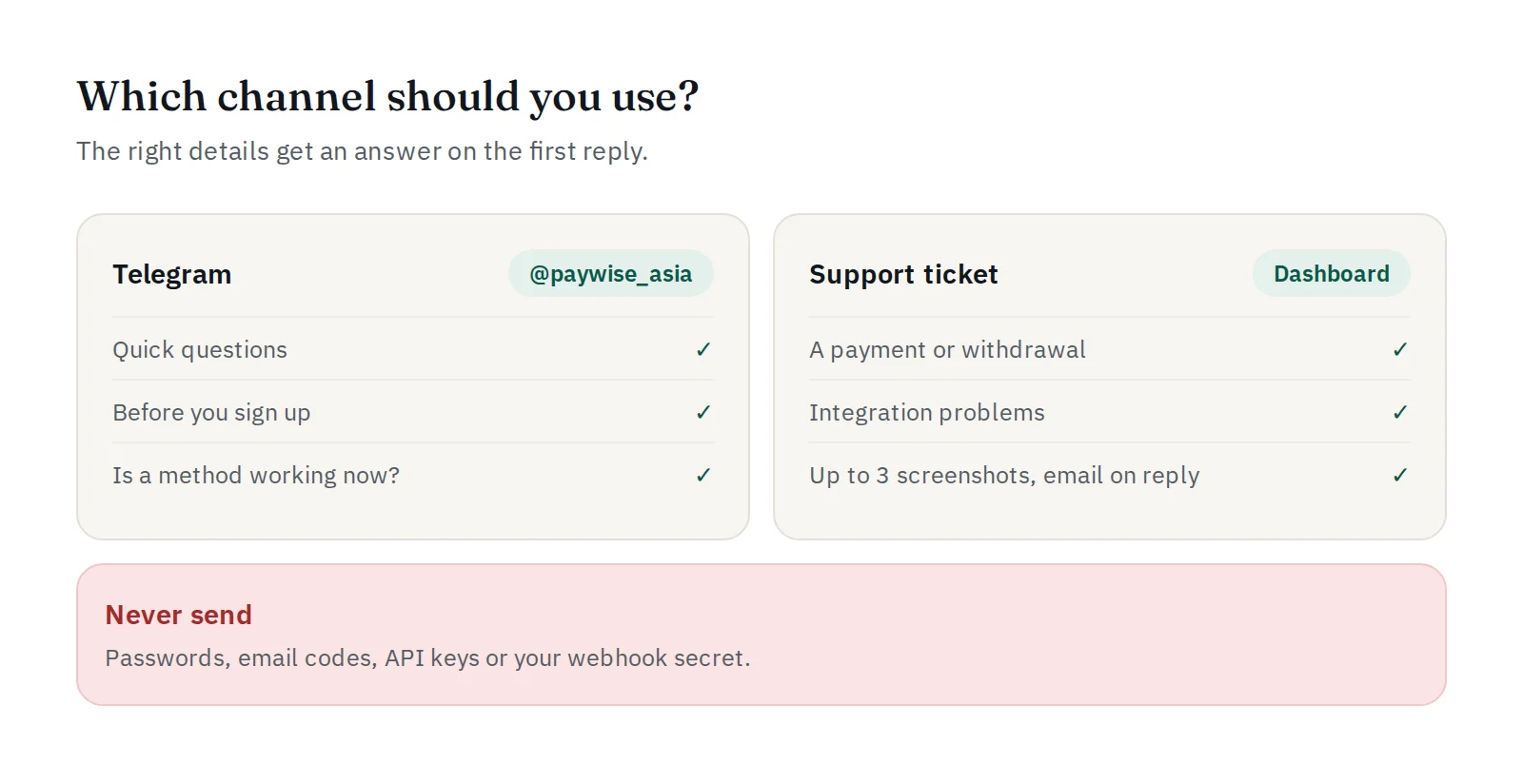
Two ways to reach us
Telegram: @paywise_asia. Best for quick questions: "Is QRIS working right now?", "Where do I find my webhook secret?", or help before you sign up. Make sure you talk to @paywise_asia exactly; see fake PAYWISE support accounts.
Support ticket. In your dashboard, open Support and press New ticket. Best for anything about a specific payment, withdrawal or integration problem. A ticket keeps the whole conversation in one place, you can attach up to three screenshots, and you get an email when we reply. We usually reply within one business day.
What to include
- Your merchant name (or the email you sign in with).
- The reference: the payment reference (
PW…) or withdrawal reference (STL…), if it is about one. - What you expected and what happened, with the time it happened.
- Your website and how you integrate (API, WooCommerce plugin, SDK).
- A screenshot of the error, the API response or your customer's receipt.
Integration questions
Before you write, check the API logs in your dashboard: they show every request your server sent and PAYWISE's answer, including the error.code. Send us that code and the time of the request. Our guide on common integration mistakes may already have the fix.
A payment the customer says they paid
Open the payment and press Check status now first: PAYWISE asks the payment provider directly. If it is still pending, ask the customer for their proof of payment (reference, time and amount) and send it to us with the PW… reference.
Never send these
We will never ask for your password, your API key, your webhook secret or the code we email you. If anyone asks for them, even in PAYWISE's name, do not send them.


