

Signs of a scam buyer in your online shop, and how to avoid them
Fake receipts, pressure to ship, overpayments and refunds to a different account: eight warning signs of a scam buyer and the habits that protect your shop.
Published 11 October 2026 3 min read

Most of your customers are honest. A few are not, and one bad order can cost you the goods and the money. The good news: scam buyers use the same few tricks again and again. Once you know them, they are easy to spot.
8 warning signs
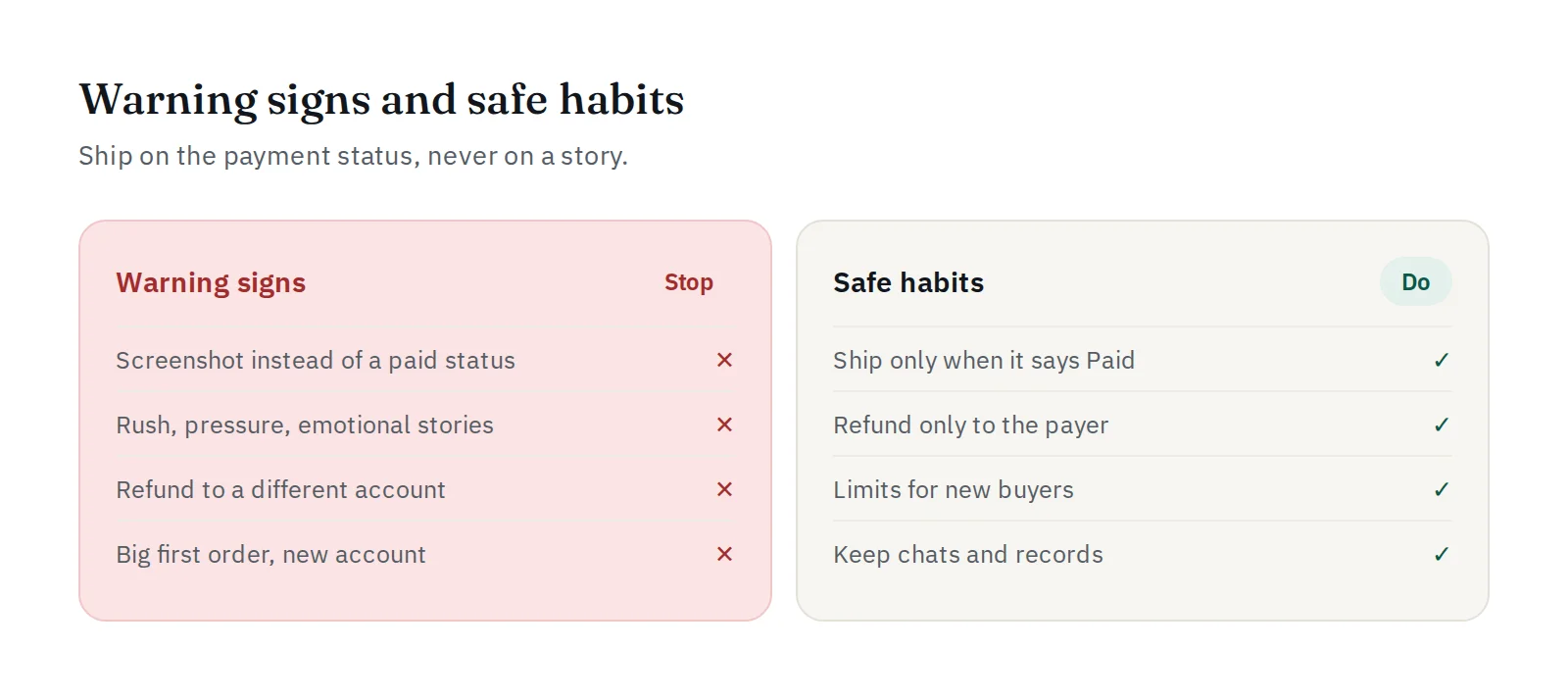
1. A screenshot instead of a payment. "I've paid, here is the proof." A screenshot can be edited in seconds. The only proof that counts is the payment status Paid in your dashboard, or the payment.paid webhook in your shop. Read how to stop fake transfer receipts.
2. Pressure to ship now. "I need it in an hour", "my boss will be angry", "send it first, the money is on its way". Scammers want you to act before you check. Real customers can wait a few minutes.
3. "I paid too much, please send back the difference." The overpayment trick: the "extra" payment is fake or later disputed, but your refund is real. With PAYWISE, every payment has the exact amount of the order, so a real overpayment should never happen.
4. A refund to a different account. "Please refund to my friend's account." If you refund, refund only to the person and account that paid, never to a new one.
5. A big first order from a brand-new account. Especially for digital goods, top-ups and vouchers that are delivered instantly and cannot be returned.
6. Details that do not match. A different name on every message, a delivery address that does not exist, an email that was created today.
7. Paying outside your checkout. "Can I transfer to your personal account instead?" or "Send me your own QR". Keep every payment inside your checkout, where it is linked to the order.
8. Asking for your codes or keys. No real customer needs your one-time code, password, API key or webhook secret. See fake "PAYWISE support" accounts and phishing.
Habits that protect your shop
- Ship only when the status says Paid. Pending is not paid, and a screenshot is not paid.
- Let your system do the checking. Connect the webhook, so orders are marked paid automatically and nobody on your team has to judge "proof".
- Set limits for new buyers of instant digital goods: a maximum amount for the first order, or a manual check above a certain value.
- Refund only to the payer, after you have confirmed the original payment in your dashboard. See refunds and customer complaints.
- Keep records: chats, order details and proof of delivery. You will need them if there is ever a dispute.
- Train your team. Customer service staff are the ones under pressure. Give them a simple rule: "no Paid status, no shipping".
When you suspect a scam
Do not argue and do not ship. Politely say you will process the order once the payment is confirmed. If you think a payment is suspicious, open a ticket under Support with the PAYWISE reference (PW…). For more ways to build trust with honest customers, read how to build customer trust.


